Routers
From budget WiFi 6 to multi-WAN and RouterOS power.
- ✓ WiFi 6 & WiFi 7
- ✓ Multi-WAN load balancing
- ✓ MikroTik RouterOS
Sort by
Buying routers: what to look for
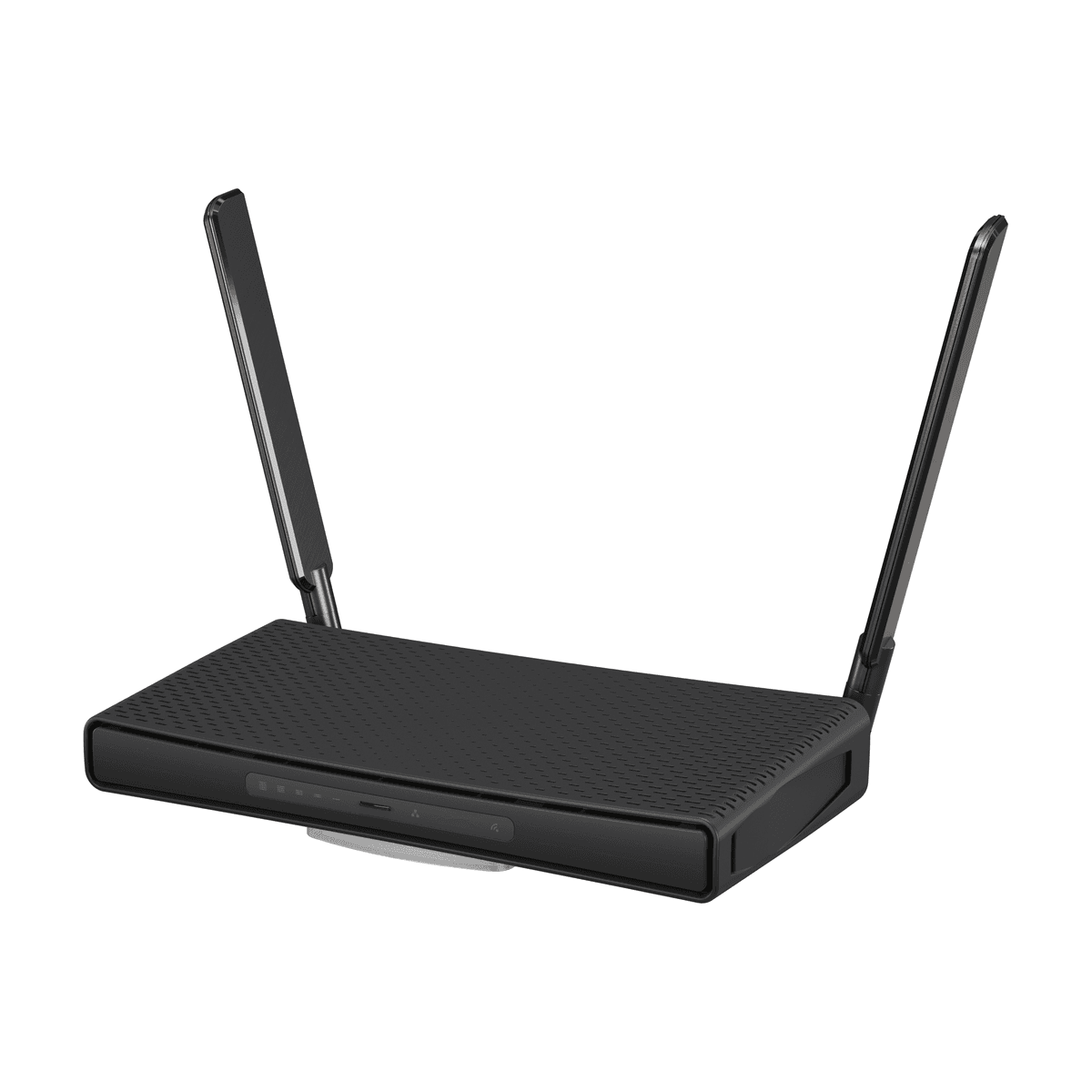
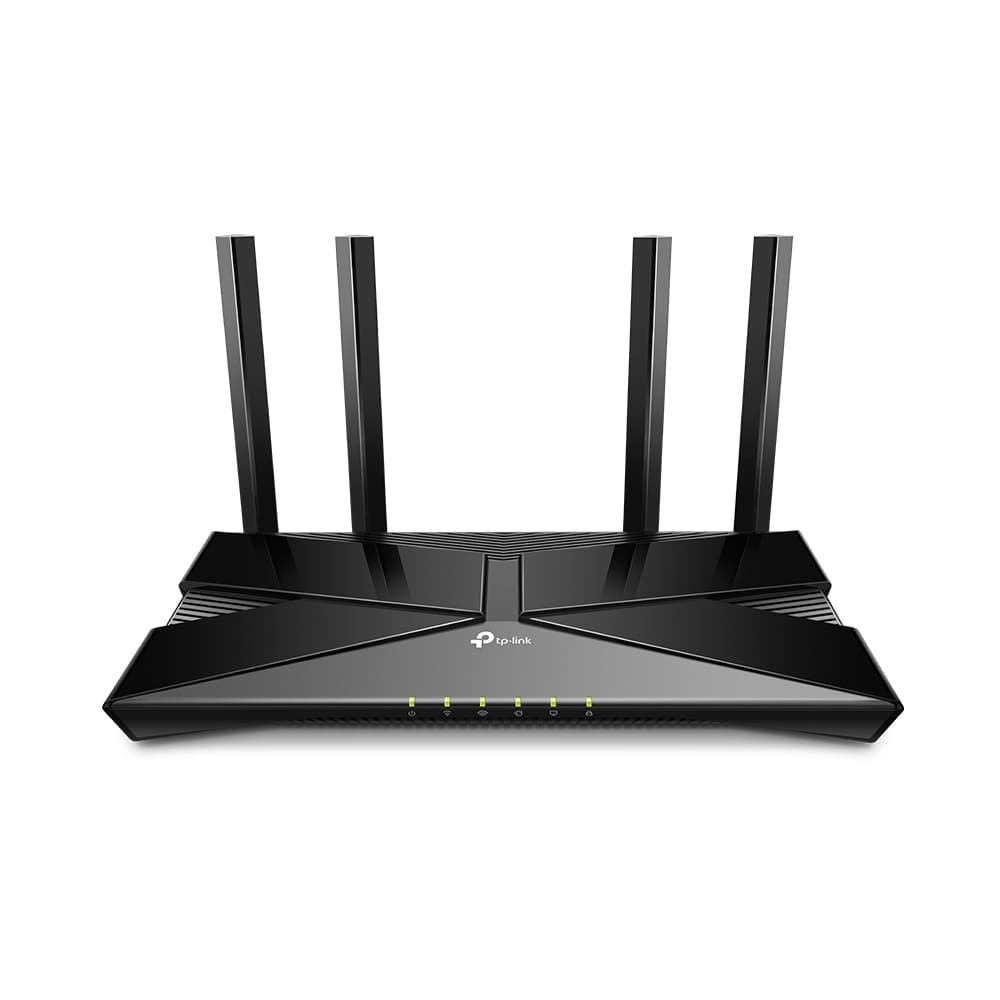
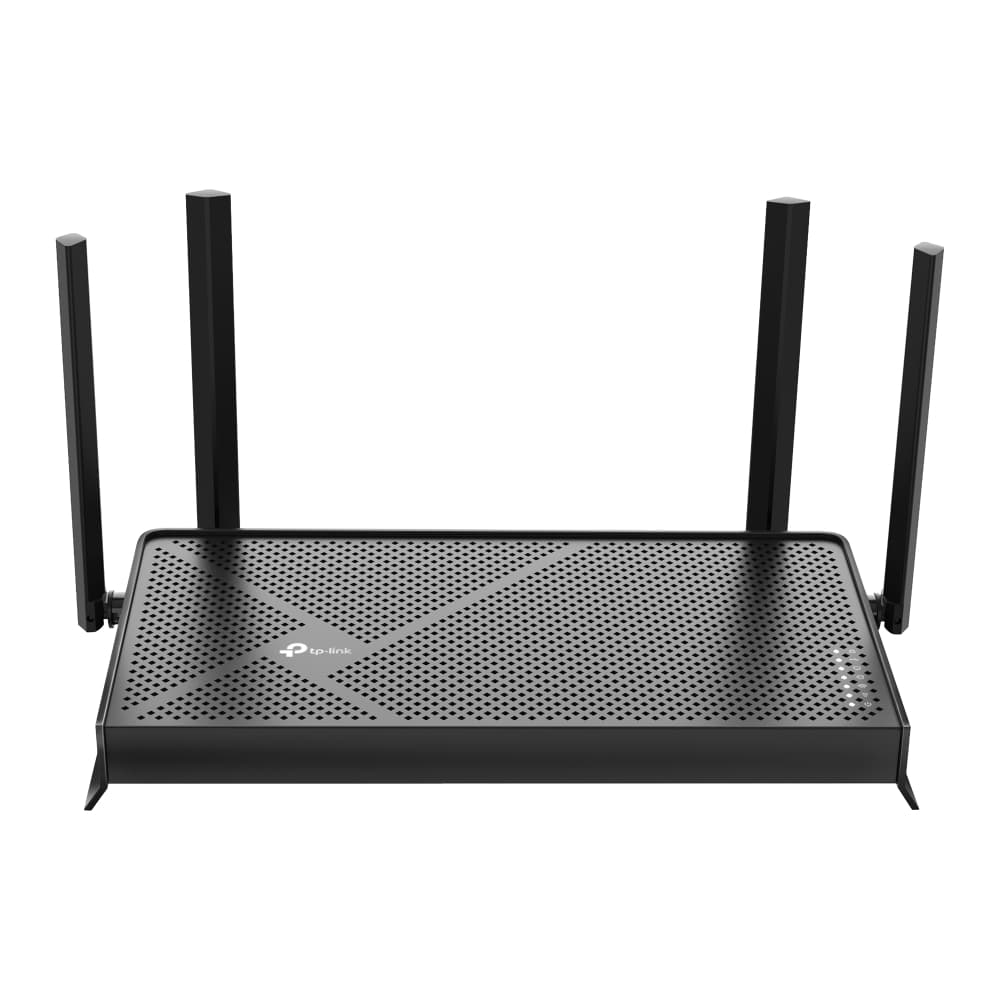
For a flat or small home, a single WiFi 6 or WiFi 7 router is usually enough. For an office, hotel or any site with two internet lines, a multi-WAN router can balance traffic across both lines and switch over automatically when one goes down.
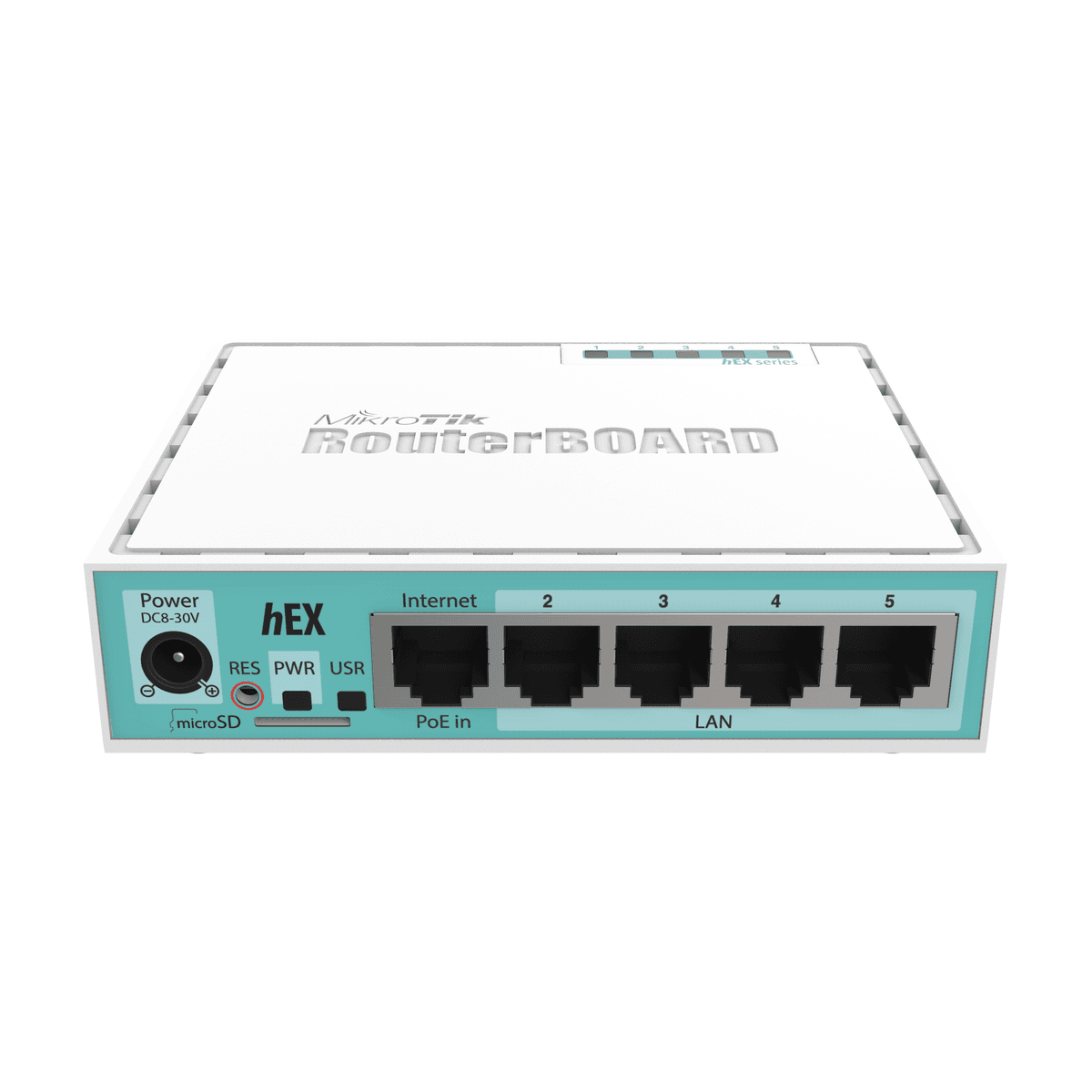
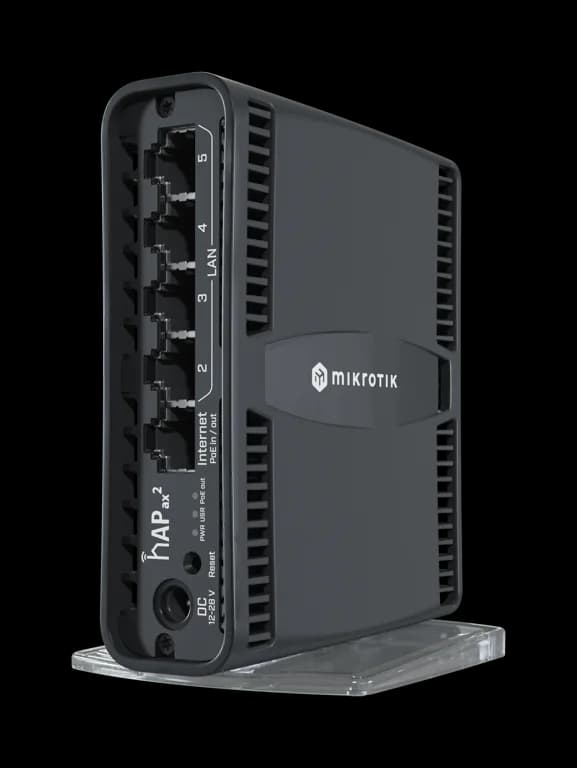
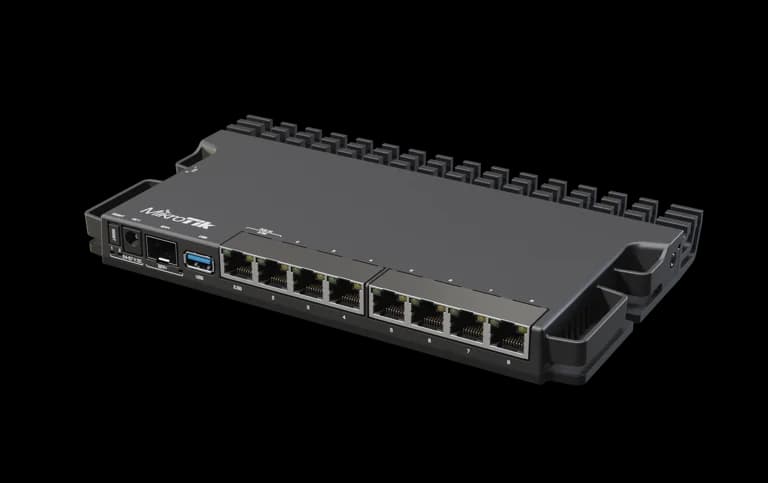
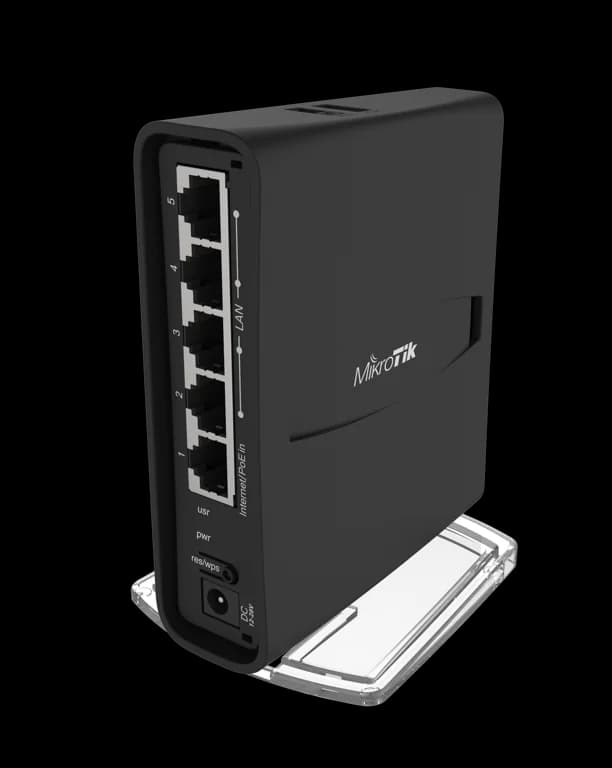
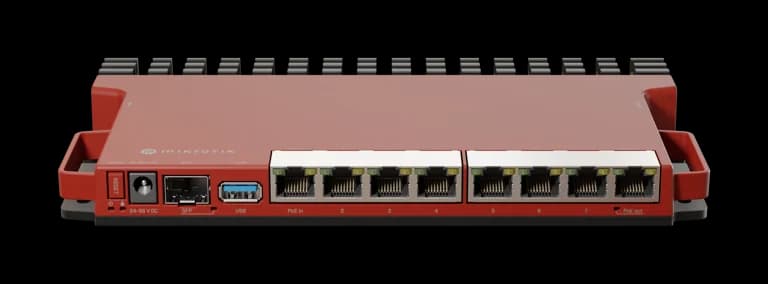
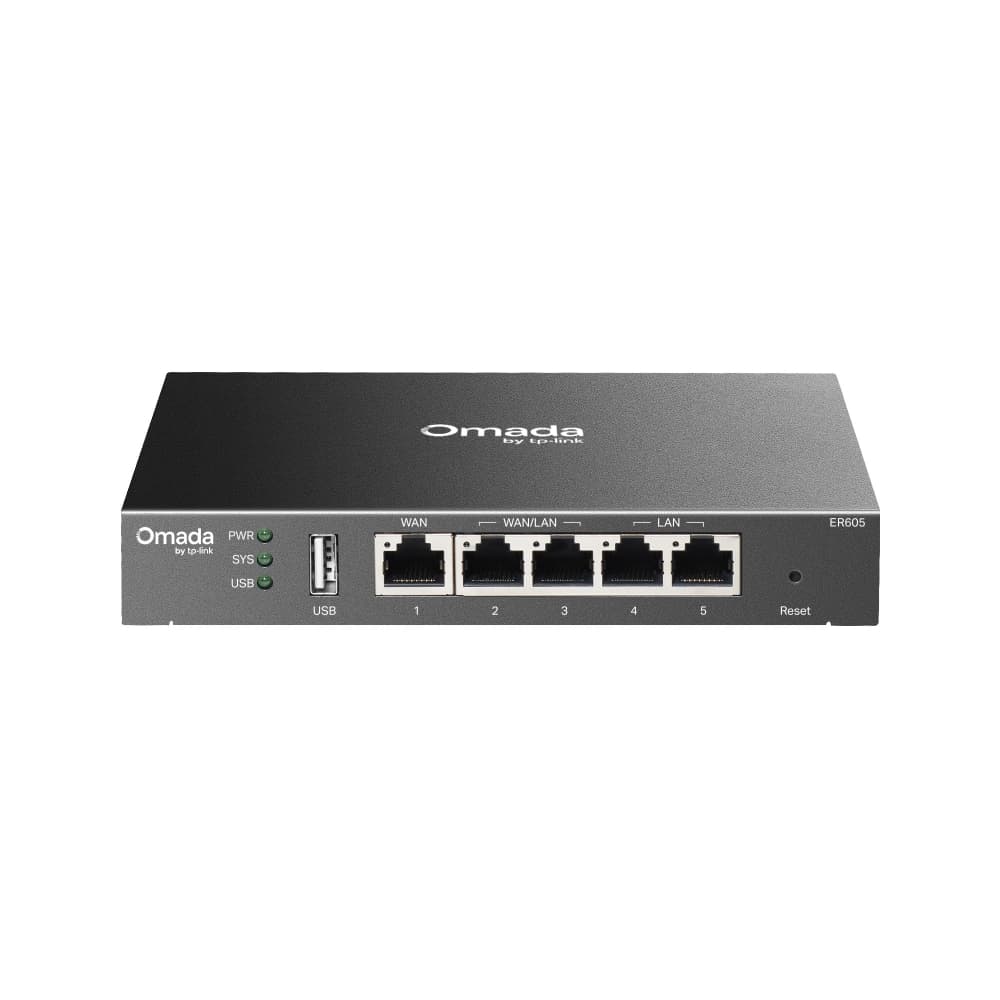
MikroTik RouterOS routers give the most control (hotspot login, load balancing, VPN, bandwidth limits) and are popular with ISPs and hotels. TP-Link Omada and Grandstream routers are simpler to manage from an app or controller.
Questions
Which router should I buy for two internet connections?
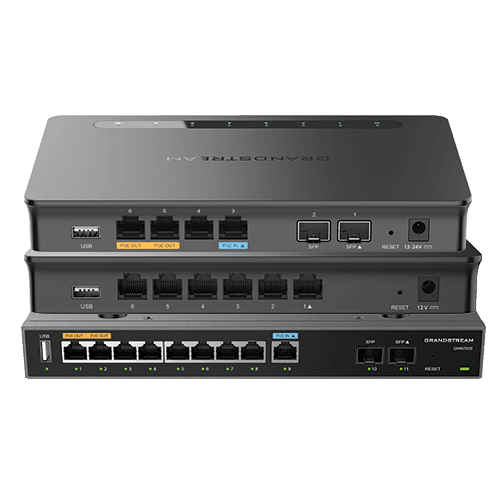
Choose a multi-WAN router such as a MikroTik, TP-Link Omada ER-series or Grandstream GWN700x. They can load-balance both lines and fail over automatically.
Is MikroTik hard to set up?
RouterOS is powerful but has a learning curve. We offer MikroTik setup (hotspot, PPPoE, load balancing, VPN) if you want it configured properly.
Router or mesh for a large house?
For a large or multi-floor house, a mesh system usually gives better coverage than one router. See our WiFi & mesh category.