WiFi Access Points
Ceiling access points and PoE switches for offices and hotels.
- ✓ Seamless roaming
- ✓ UniFi, Omada, Grandstream & MikroTik
- ✓ Site survey & installation
Sort by
Buying wifi access points: what to look for
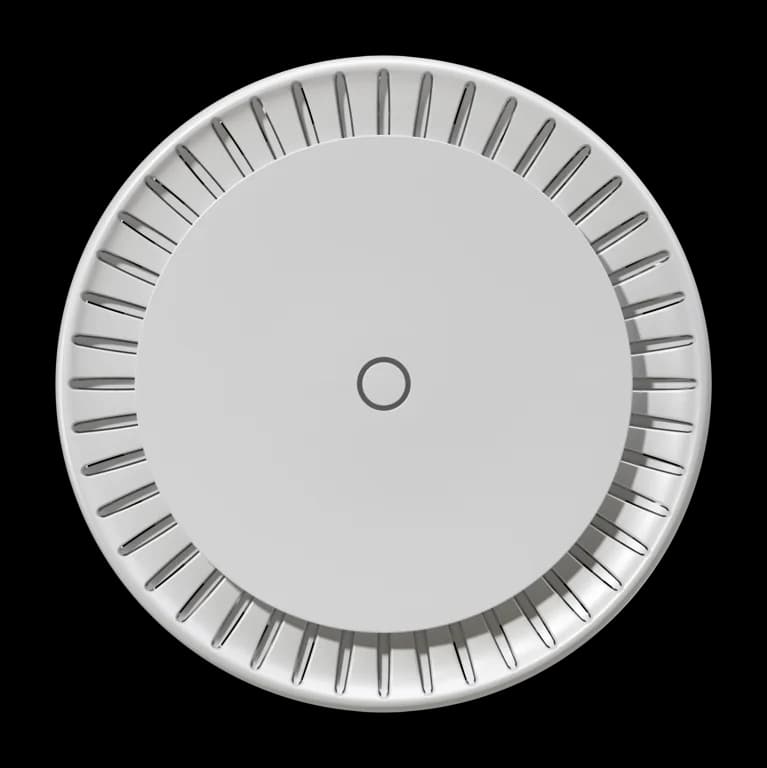
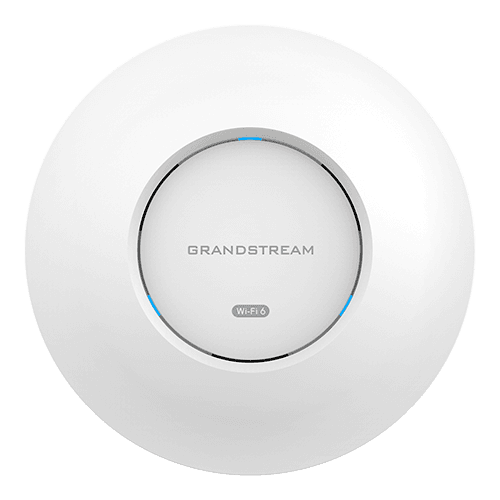
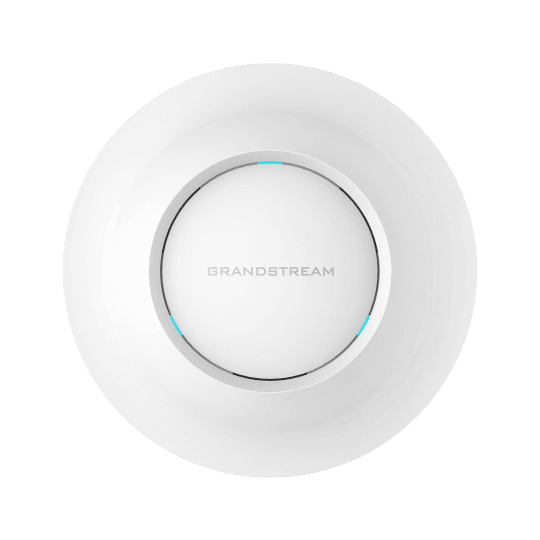
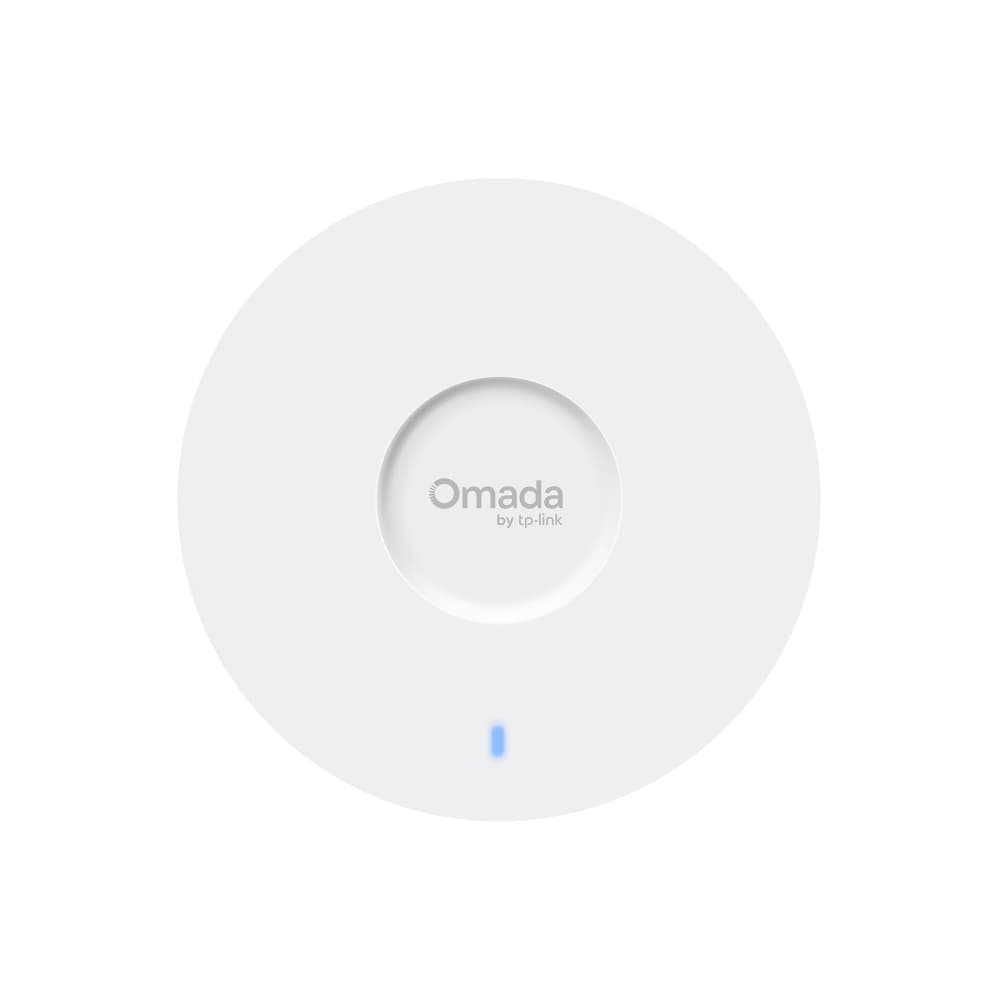
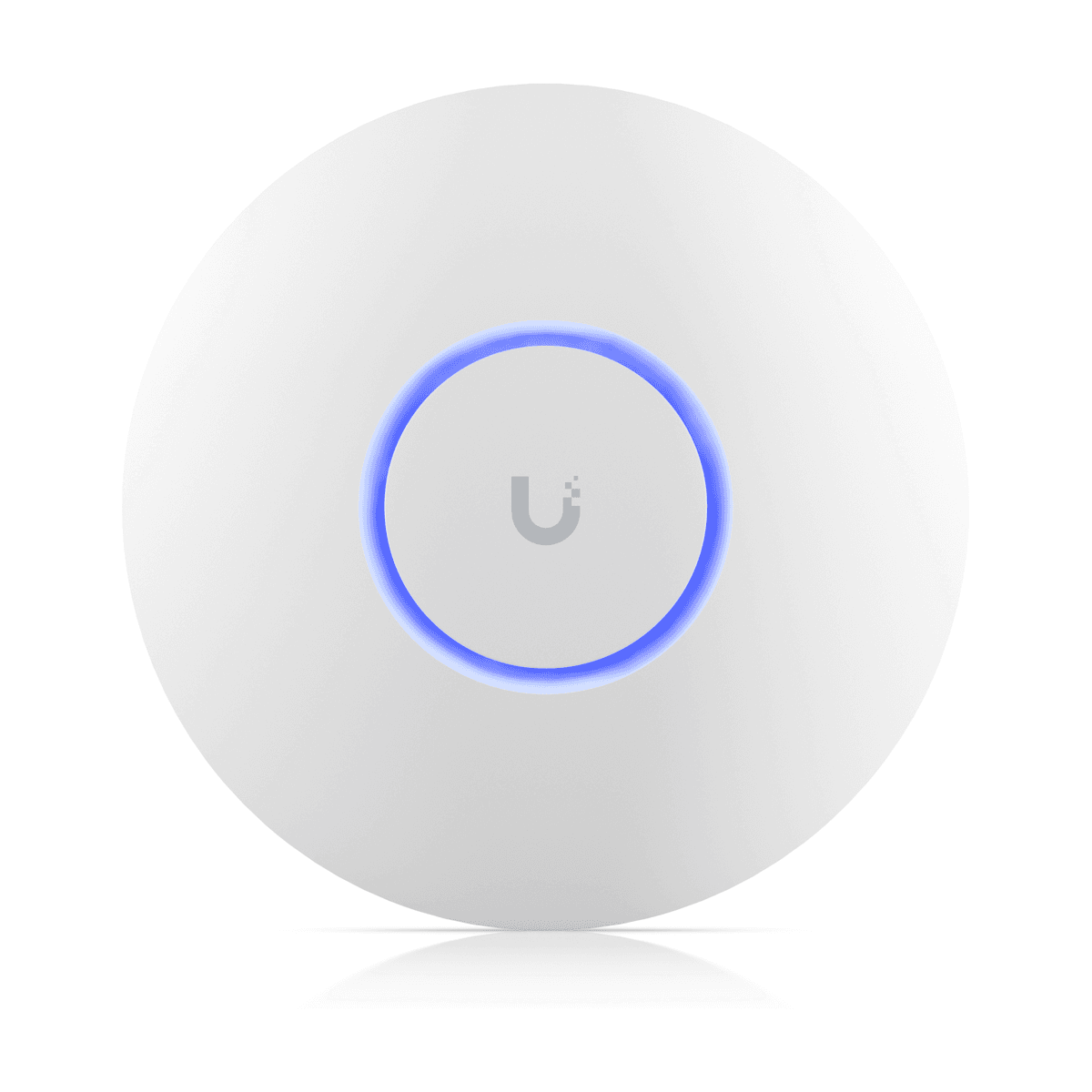
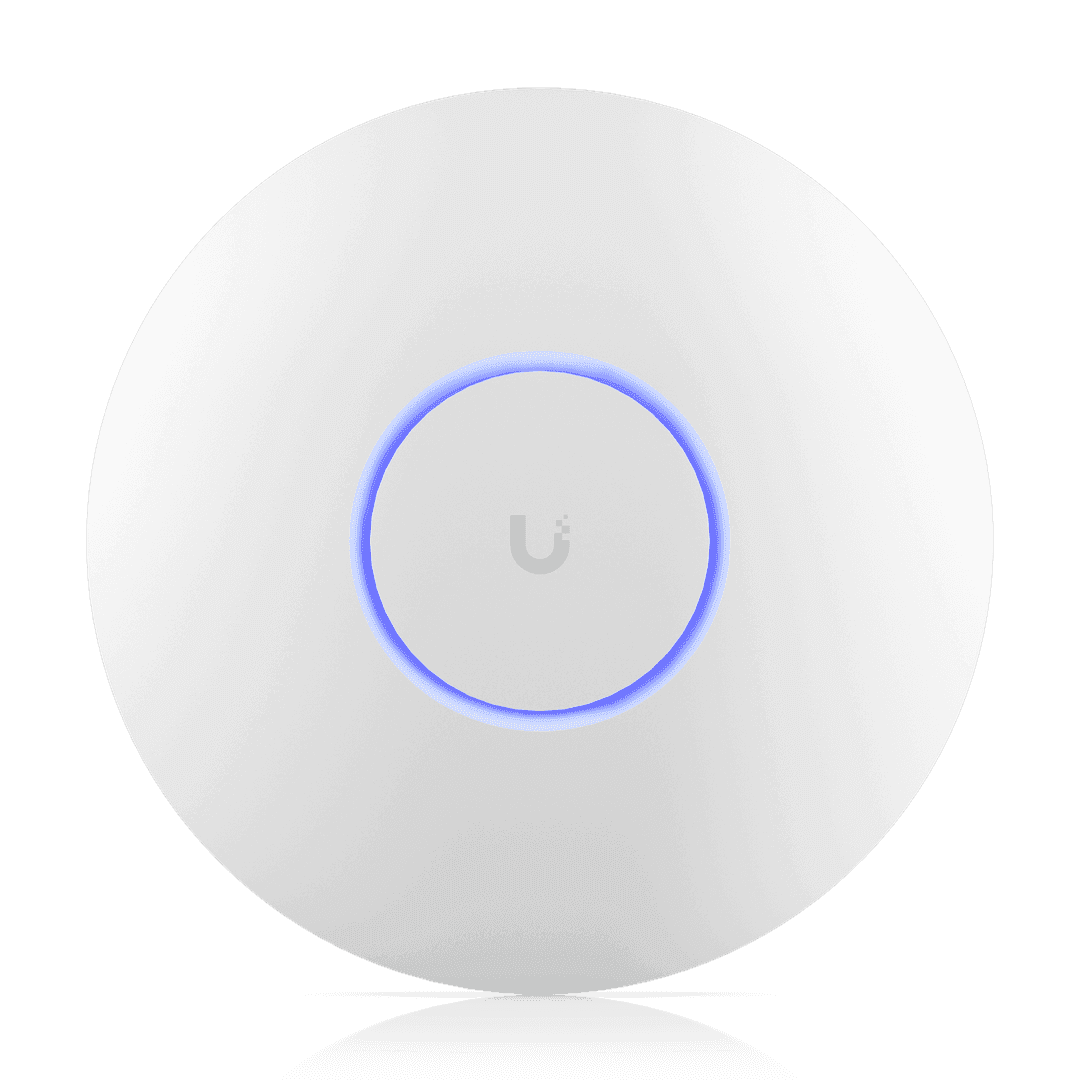
A ceiling access point covers far more people and floor area than a home router, and several of them can share one network name so phones roam from room to room without dropping. They are the standard choice for offices, hotels, PGs, schools and cafés.
Most business access points are powered over the network cable (PoE), so you only run one cable to each point. Pair them with a PoE switch, or use the PoE injector where the model includes one. All the access points of one brand are managed together from that brand's controller or app.
Questions
How many access points do I need?
As a rough guide, one ceiling access point for every 2-4 rooms in a hotel, or one per 1,500-2,500 sq ft of open office, depending on walls and how many people connect. Our free WiFi planner gives a first estimate, and we can do a site survey for larger sites.
UniFi, Omada, Grandstream or MikroTik?
All four work well. UniFi and Omada are the easiest to manage from an app; Grandstream includes a free cloud controller; MikroTik suits sites that already run RouterOS. Stick to one brand per site so everything is managed in one place.
Do access points need a PoE switch?
They need PoE power from somewhere: a PoE switch, or a PoE injector per access point. For more than two or three access points a PoE switch is tidier and usually cheaper overall.